.png&w=384&q=75)
Recovering a Blocked FB Account: Practical Guide
A login attempt fails, the usual password reset doesn't work, and Facebook presents a short message asking for verification or an appeal. That experience is frustrating, but the phrase blocked Facebook account can describe several different problems. A security lock, an identity check, and a full disablement don't use the same recovery route.
The fastest way forward is to identify the message on screen, use Facebook's official flow, and avoid actions that make the system treat the account as more suspicious. Another person's privacy block is a separate issue entirely, and buying a new number or opening a replacement account won't restore access to an account that Meta has restricted.
Understanding Why Your Facebook Account Is Blocked
A personal block and a Facebook restriction can look identical at first, but they require different responses. If another person blocks a profile, that profile may vanish from searches, messages may fail, and interactions can disappear. The affected user can still log in, use settings, and access other parts of Facebook.
A platform restriction targets the account itself. Facebook may show a locked-account screen, a security checkpoint, an identity confirmation request, or a suspension or disablement notice. These are account-level enforcement signals, not another user's privacy choice. The exact screen also identifies which of three recovery paths applies: a temporary lock, an identity check, or full disablement.
Read the exact message before taking action
The wording points to the right process:
- Login or security lock: A temporary lock may offer Get started and on-screen security checks. Meta describes this route for accounts that remain recoverable through that process. (Meta's account unlock guidance)
- Identity confirmation: Facebook may require the account holder to verify information before restoring access. Use the identification and contact options shown in the official flow, not documents sent through an unsolicited message.
- Disabled account: A disablement notice generally provides an appeal route. Treat it as an enforcement decision, not a password problem, and follow the stated deadline if one appears.
Practical rule: If you can log in but one person cannot see or contact your profile, the issue is probably interpersonal. If Facebook blocks login or shows a suspension notice, use account recovery or the appeal route displayed on screen.
This distinction saves time and prevents the wrong response. Contacting a person cannot resolve a platform restriction, while repeated password resets will not replace an identity check or disablement appeal. Start with the visible notice, then follow only the matching official flow.
The Reality of Automated Enforcement at Scale
Facebook's enforcement systems operate at a scale that makes account blocking a routine platform event rather than an unusual exception. In Q3 2019, Facebook said it took action on about 1.7 billion offending accounts, and estimated that 5% of active accounts were fraudulent at any given time. The same reporting said that 99.7% of fake accounts were blocked before a user reported them to a human review team, showing how strongly automated detection influences access. (Fortune's reporting on Facebook's fake-account enforcement)
That context doesn't prove that a particular user did anything wrong. It does explain why an account can be restricted without a clear personal complaint or a human conversation. Automated systems look for signals associated with fake identities, suspicious access, coordinated abuse, spam, and other integrity risks, and a legitimate account can still need to prove that it belongs to a real person.

Why the first submission matters
Meta's published H1 2022 figures reported 5.28 million disabled accounts for violations in six months, alongside 2.94 million appeals. Meta also reported that 37.7% of disablements were overturned on appeal, while 1.3 million accounts were disabled for fake identity in that period. (The H1 2022 enforcement figures and appeal context)
These figures show two things at once. Facebook disables accounts in large volumes, and an initial decision isn't always final. A useful appeal should therefore be factual and complete, with the correct account identifier and a direct response to whatever Facebook requests. Repeated emotional submissions, multiple accounts of the same event, or random documents don't give an automated or human reviewer a clearer basis for restoring access.
Identifying Your Specific Restriction Type
Recovery becomes much easier once the visible state is matched to the right action. The following comparison separates the three main account-level conditions that users commonly call a block.
| Restriction State | Typical Visual Cues | Primary Recovery Action |
|---|---|---|
| Temporary lock | Facebook says the account is locked, asks the user to get started, or presents security checks after unusual access activity | Use the on-screen unlock flow from a familiar device and complete the requested checks |
| Identity check | Facebook asks the account owner to confirm identity or provide information before access continues | Follow the identity-check instructions, use accurate account details, and submit only through Facebook's official route |
| Full disablement | A notice says the account is suspended or disabled and presents an appeal option | Submit one complete appeal within the permitted period and respond to any follow-up verification request |
A lock is mainly an access and security problem. An identity check asks Facebook to establish that the person behind the profile is authentic. A disablement is an enforcement decision, so resetting a password alone won't resolve it.
Meta's account-integrity policy describes account actions in the context of reducing fake or violating accounts. That means the same symptom, a failed login, can require different evidence depending on the banner and buttons shown.
Before discarding a device connected with the problem, the account owner should also separate hardware failure from account enforcement. Someone dealing with a damaged or locked handset can consult this practical guide on how to recycle damaged smartphones safely, but recycling the phone won't appeal a Facebook decision or transfer account ownership.
Navigating the Official Recovery Flow
A failed login can lead to three different recovery paths, and choosing the wrong one wastes time. A temporary lock usually offers Get started or similar security prompts. An identity check asks for information that connects you with the profile. A disablement notice points to an appeal rather than a password reset. Read the banner and available buttons before submitting anything.
For a temporary lock, open Facebook on a device and browser previously used with the account. Select the displayed security option and follow each step in order. Meta's official recovery instructions direct people toward the account recovery process instead of improvised workarounds. A familiar environment may provide more account history, though it cannot override a disablement decision.
If the original email address or phone number is unavailable, use facebook.com/login/identify. Enter the profile name, email address, or phone number carefully. Facebook may offer a new contact method, followed by security checks and a password reset.
Reduce avoidable recovery failures
- Match the account identifier: Check the email address, phone number, country code, and account name. A typo or old number can direct the process to another profile.
- Use a familiar environment: A previously used device and browser are preferable to a new handset or private browsing session.
- Control code requests: SMS delivery can fail because of the phone, connectivity, or mobile-plan restrictions. After repeated requests, wait rather than continually selecting resend.
- Protect the channel: Never forward a confirmation code to someone claiming to be Facebook support. Start the request from Facebook's own recovery screen.
- Choose the correct route: An identity prompt requires truthful account information. A disablement notice requires an appeal, so repeated password resets will not address it.
Meta's recovery options may use an email address, phone number, or another verification method already added to the account. Its Account Recovery and Support Hub provides a separate place to review available support options. A new number may assist verification for a separately created account, but it does not restore a profile connected to a different number.
For account creation rather than recovery, see this guide to creating a new Facebook account without a phone number. Creating another account does not reverse a suspension and may create further enforcement issues.
Handling the Identity Verification Process
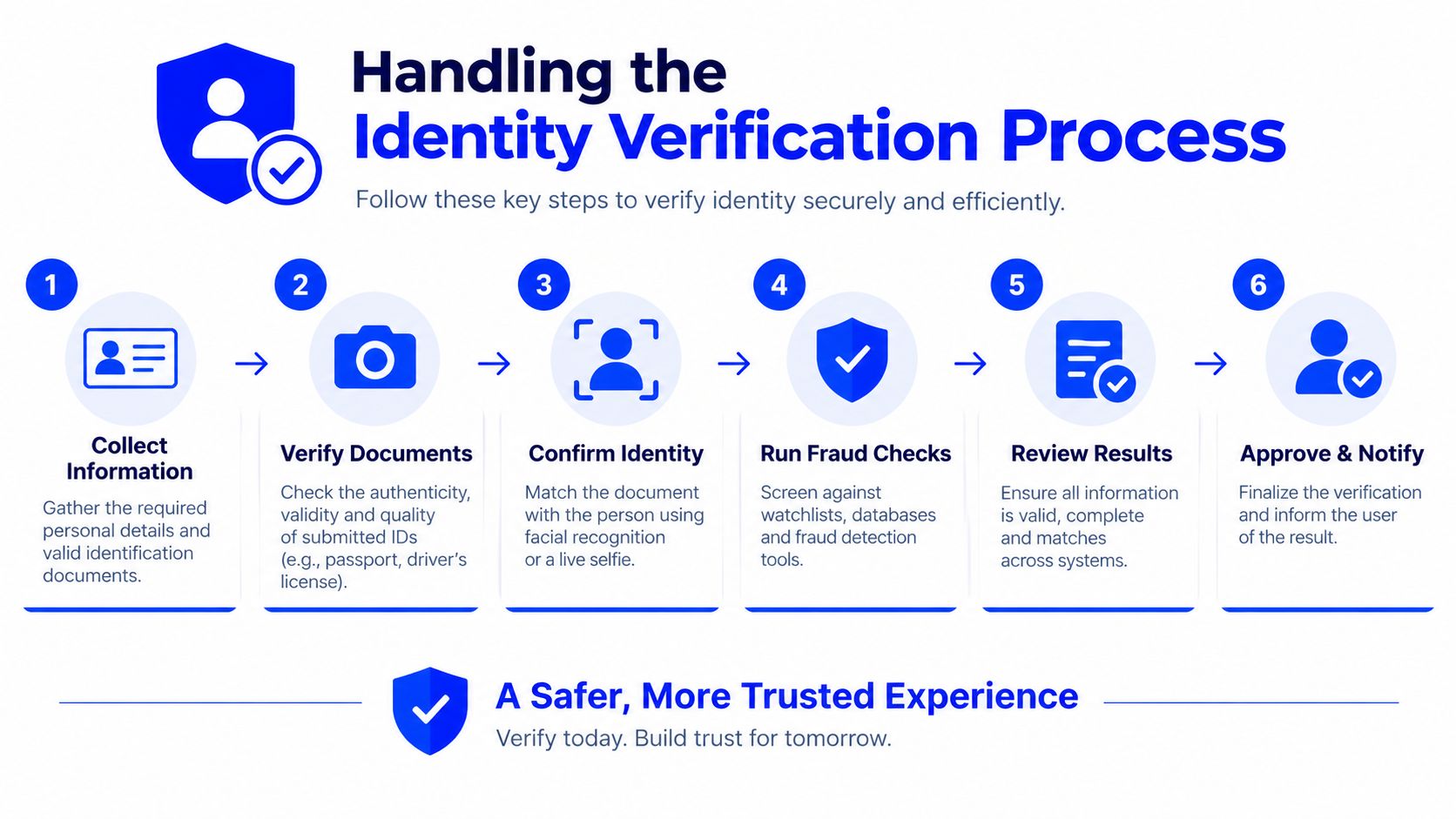
An identity check changes the nature of the recovery task. The account owner isn't merely proving knowledge of a password. Facebook is asking for information that helps connect the person requesting access with the profile under review.
The safest checklist is straightforward:
- Read the request precisely. Note whether Facebook asks for a document, a contact confirmation, a selfie-style check, or another form of verification.
- Match the account details. Use the name and identifying information that accurately reflect the profile. Don't alter details randomly just to make a submission look different.
- Prepare a clear response. If Facebook requests an image or document, make sure the relevant information is readable and submit it only through the Facebook screen or official help route.
- Keep the evidence consistent. A mismatch between the profile and submitted information can require additional explanation. The account owner should provide truthful context rather than inventing a connection.
- Monitor the registered contact method. Check the inbox, spam folder, and phone service associated with the account, but don't click suspicious links in messages claiming to offer recovery.
- Stop duplicate submissions. Sending the same material repeatedly can make it harder to track which request is current.
Verification messages sometimes fail for ordinary delivery reasons rather than because the account is permanently lost. A useful troubleshooting reference on why verification emails fail covers inbox filtering and delivery problems that can prevent a legitimate message from appearing.
A phone number used for SMS verification also has limits. Receiving an SMS doesn't mean the number supports voice calls or functions as a permanent personal line, and a different new number doesn't reconnect an existing Facebook account to its former recovery method. Users who need general information about the Facebook verification service should still treat Facebook's identity and enforcement requirements as controlling.
Appealing Disabled Accounts Within the Window
A full disablement requires an appeal, not a routine password reset. Meta says a personal Facebook account suspension can be appealed within 180 days. If the account owner doesn't appeal within that period, or if the appeal fails, Meta says the account becomes permanently disabled and another review can't be requested. (Meta's suspension appeal guidance)
The first submission should contain the strongest accurate information available:
- Correct account identifier: Use the email address, phone number, profile name, or other identifier associated with the disabled account.
- Direct explanation: State that the account owner is requesting review and address the reason shown in the notice.
- Identity response: Complete any identity check Facebook attaches to the appeal rather than submitting a separate, unrelated form.
- One coherent request: Avoid duplicate appeals and contradictory explanations. Repeated submissions can delay review instead of increasing attention.
Internal and external review are different
Independent analysis of Meta's internal appeal process has estimated overall reversal rates at roughly 10% to 15%, with account-level suspension or disablement reversals estimated at roughly 5% to 10%. In contrast, an Appeals Centre Europe dataset reported that more than 75% of reviewed platform decisions were overturned. (The comparative appeal analysis)
Those figures describe different review settings and shouldn't be treated as a promise for an individual account. They do support a practical conclusion: the internal appeal remains the essential first move because it preserves the account's official route and time window, while broader dispute options may depend on eligibility and jurisdiction.
A persuasive appeal isn't the longest appeal. It's the one that gives the reviewer a correct account identifier, relevant evidence, and a consistent explanation.
Users shouldn't assume every disabling notice is a permanent ban from the outset. Some cases begin as credential lockouts, hacked-account incidents, or misclassified restrictions. The displayed state determines which process applies.
Preventing Future Account Blocks
Account recovery is easier when its supporting details remain current. Meta says recovery can use contact information and other verification methods added to the account. Keep those methods accessible instead of relying on one old phone number.
A practical maintenance routine includes:
- Review contact details: Confirm that the primary email and phone number still work. Add a legitimate secondary method where Facebook permits it.
- Secure the email account: A compromised email can undermine every Facebook reset. Use a unique password and the strongest available sign-in protection.
- Keep identity details consistent: Avoid contradictory names or profile information that could make an authentic account resemble a false identity.
- Remove risky automation: Do not use scripts, bulk actions, or tools that violate Meta's rules. High-volume or coordinated behavior can trigger integrity signals even when individual actions seem harmless.
- Record recovery information safely: Store account identifiers in a password manager or another protected location, never in a public note or shared chat.
- Separate access from verification: A temporary SMS number may receive a code for a supported setup flow, but it is not automatically a long-term recovery line. Maintain recovery methods you control.
Privacy settings also deserve a deliberate review. The guide to anonymity on Facebook can help clarify what information to disclose. Privacy does not mean using inaccurate identity details or evading an enforcement action.
A new phone number is not a universal repair. It may support a separate verification need where Facebook accepts it, but it will not restore an existing account tied to its previous number, override a CAPTCHA, bypass an identity check, or guarantee continued access. Follow Facebook's stated requirements and preserve an independent recovery channel before changing devices or contact details.
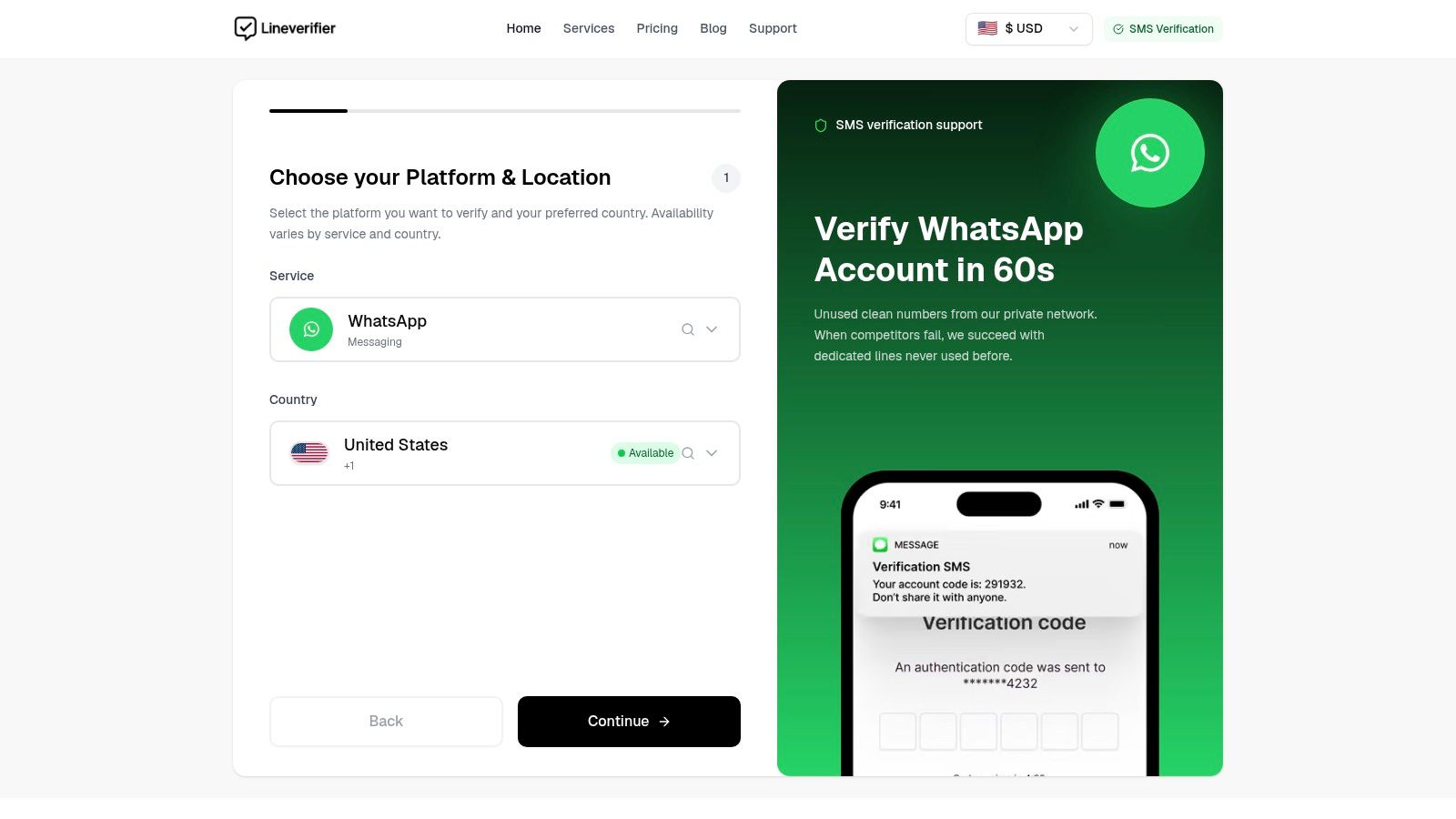
LineVerifier offers a paid SMS verification service where users choose a supported service and country, review the current offer and price, and receive an SMS code through the dashboard. Availability, number type, access duration, price, and refund eligibility depend on the selected offer. Visit LineVerifier only when a separate, supported SMS verification need fits those terms, not to bypass a Facebook restriction. (Meta's account recovery options)