.png&w=384&q=75)
Weibo Sign Up: A Practical Guide for International Users

You've entered your email, found the registration screen, and then hit the part that determines whether Weibo lets you proceed: the phone verification code. For international users, Weibo sign up is usually less about completing a form and more about choosing a supported route, selecting the correct country code, and keeping a reachable number available for later account checks.
Weibo operates at a very large scale. It reported 591 million monthly active users in March 2025, followed by 578 million monthly active users and 257 million daily active users in September 2025, and later reported 561 million monthly active users and 254 million daily active users in June 2026. Those figures come from Weibo's own financial announcements, including its March 2025 operating update. A platform serving an audience of that size treats phone numbers, identity signals, and unusual signup patterns as security matters, not minor form details.
What International Users Need to Know Before They Start
An international user may reach Weibo's registration form in minutes, then find that the available route changes with the app version, browser language, country code, or verification method. Weibo exposes registration through mobile phone number or email, while its help materials describe mobile and desktop signup around a phone number and SMS code. The official Weibo signup page remains the clearest place to check current options because accepted number types and availability can change.
Three routes are worth checking:
- Web registration: Open Weibo's website, select registration, and follow the phone or email flow. Email may begin the process, but Weibo can still require a phone number before completion.
- Mobile app registration: The app may show different fields from the web portal. International users might need to adjust language or region settings before the phone field works.
- Third-party sign-in: If Weibo offers a linked service such as WeChat, QQ, or Apple, that account can handle the initial authentication. It reduces form entry, but does not promise access to every later feature. Weibo may still request a phone number for security or eligibility checks.
Treat third-party sign-in as an alternative identity handoff, not a guaranteed phone-free signup. It also does not solve recovery if Weibo later links the account to a number you cannot access.
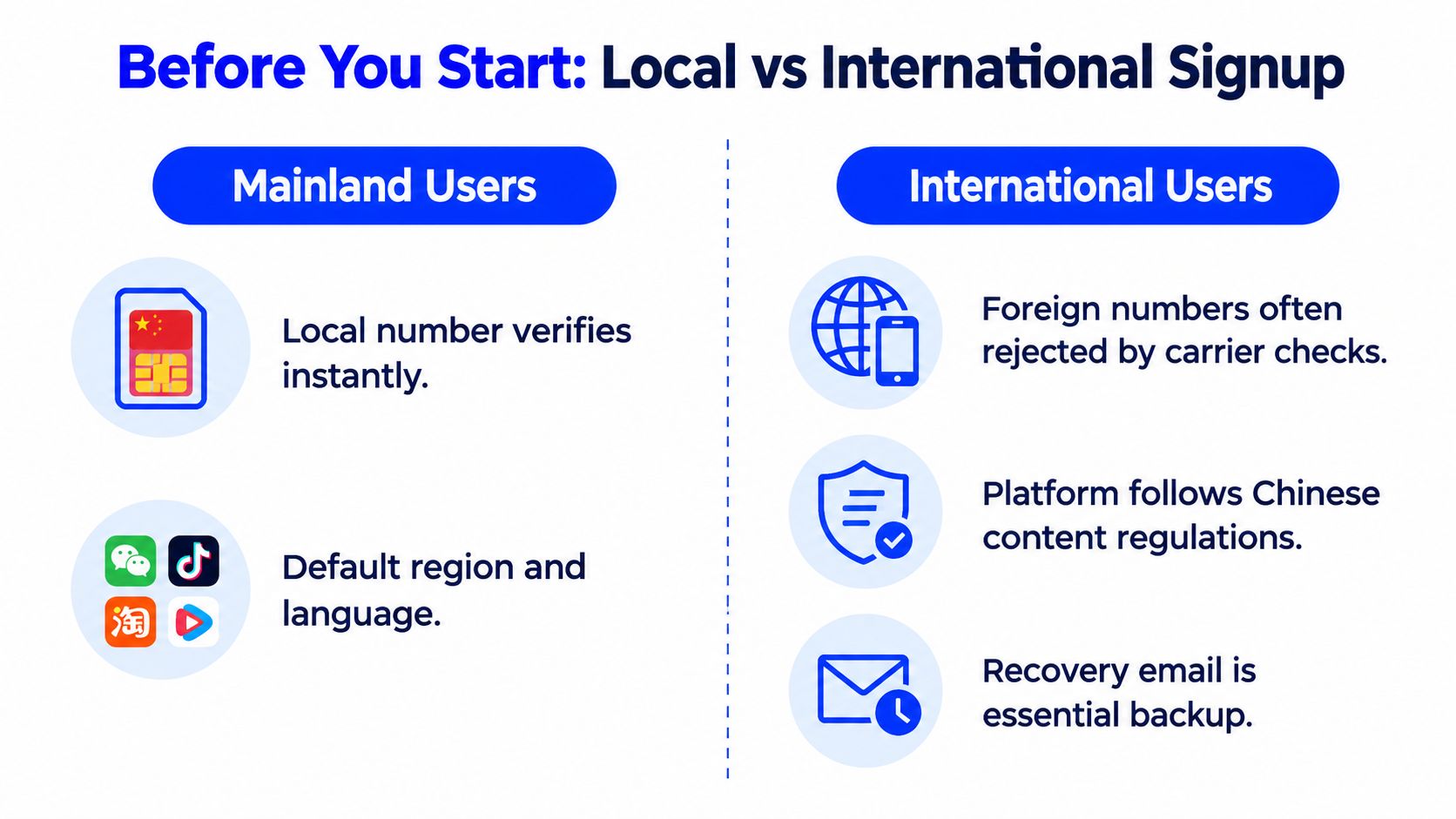
Weibo's registration history shows a stronger compliance focus than an email-first social network. In early 2012, it introduced a broader real-name registration mechanism under government pressure. Mainland users were asked for real names and ID card numbers, while overseas users did not follow the same process but were encouraged to link mobile numbers, according to Global Voices Advox. Signup verification, identity checks, and account recovery are separate events. Passing signup does not ensure that future checks or recovery will be easy.
Preparing Your Info and Phone Number for the Signup Flow
A failed Weibo signup often starts before the form opens. Prepare an accessible email address, one stable connection, and a mobile number that can receive verification SMS. Email can support account contact and recovery, while the phone usually handles signup authentication and later security checks. These functions are different, so a successful registration does not guarantee simple recovery if the number becomes unavailable.
Keep one VPN exit location, browser, or app session throughout registration. A sudden change between connection locations and the phone's country can trigger extra security checks. A VPN does not automatically cause rejection, but repeatedly switching locations makes troubleshooting harder. If delivery fails, retry from the same connection before changing the setup.
Select the country code carefully
The country selector may list mainland China, Hong Kong, Macau, Taiwan, and other supported regions separately. Mainland China uses +86, Hong Kong uses +852, Macau uses +853, and Taiwan uses +886. Choose the region that matches the number before entering it. A correct number under the wrong code can route the request incorrectly or leave the form appearing complete without successful verification.
Have the phone ready before selecting Send code. Weibo's help material warns that repeated requests can trigger a 24-hour wait before another attempt, according to its registration FAQ. The official guidance is more useful for understanding this failure mode than for predicting whether a particular international carrier will deliver the message. An independent guide reports a 30-minute code validity window, so enter the code promptly when it arrives, as described by WikiHow Tech's Weibo activation guide.
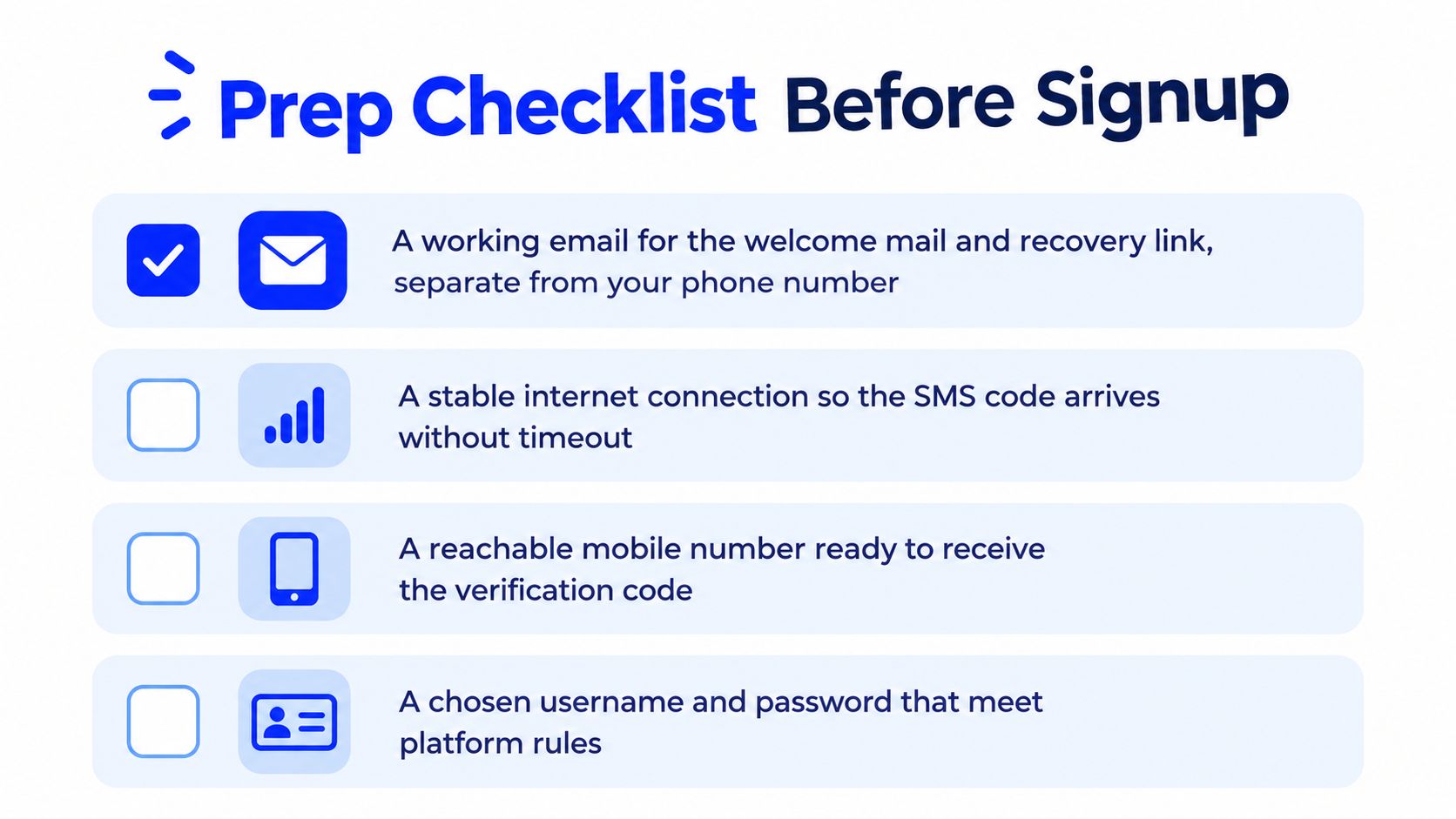
Use this preparation checklist:
- Email: Confirm inbox access and keep the Weibo welcome message.
- Connection: Stay in one browser or app session.
- Phone: Confirm the SIM is active, reachable, and has message space.
- Credentials: Prepare a username and password that match the displayed rules.
A paid number service can provide access to a number, but it cannot guarantee delivery, continued access, or successful recovery. Readers comparing number types can review this guide to a non-VoIP number. Privacy-conscious users can also consult this resource on protecting your phone number in 2026. Non-+86 numbers may work, though international routing adds another variable. Use a number you can access again if Weibo later asks for a security check.
Walking Through the Weibo Signup on Mobile and Desktop
The mobile flow starts at the authentication screen rather than the feed. After opening the app, the user typically taps the avatar or account slot, chooses the phone option instead of a federated login, selects the country code, enters the active number, and requests the code. The number should be entered in the format the field expects, without repeating a country prefix that the dropdown has already supplied.
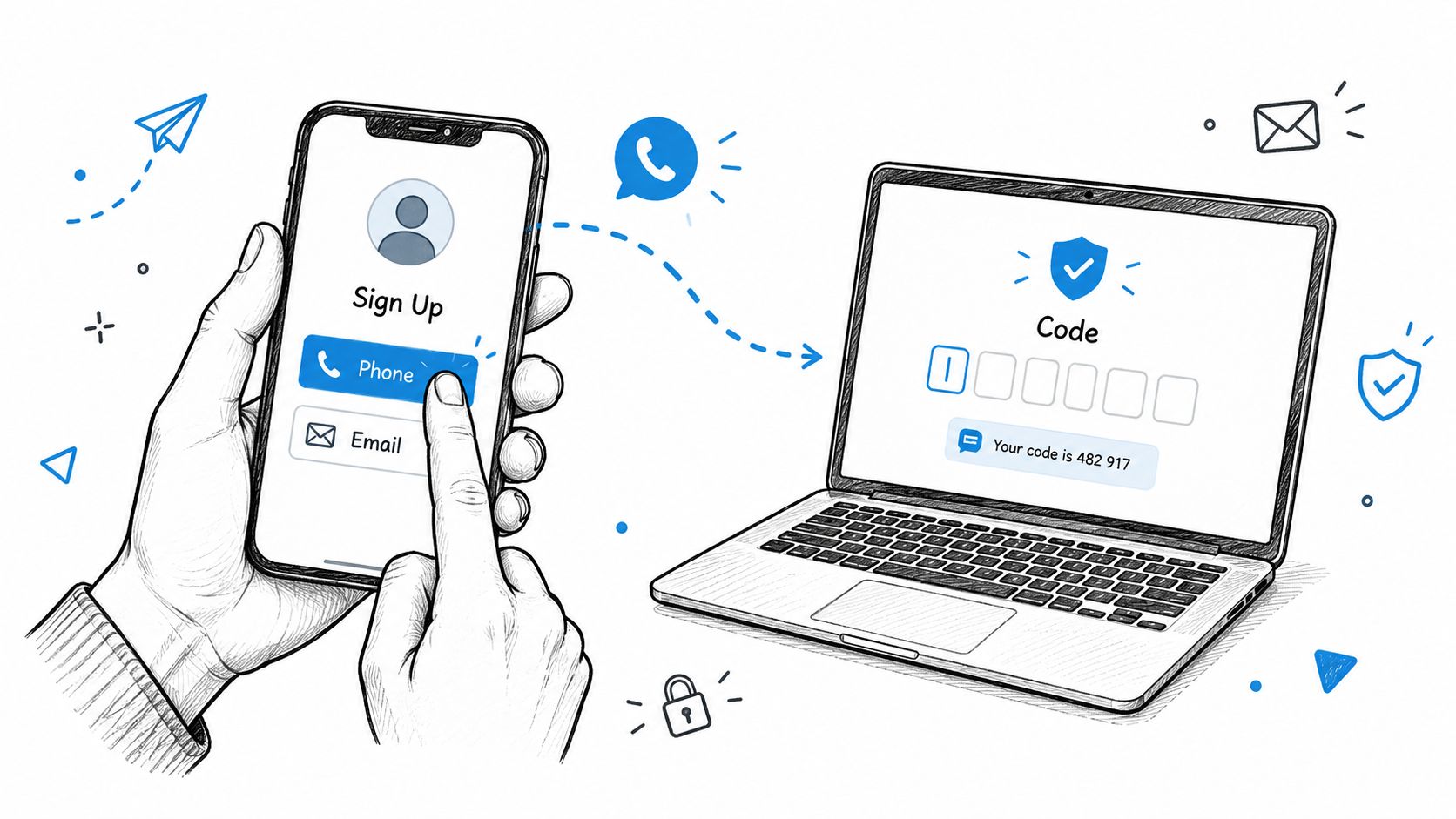
Once the SMS arrives, the code belongs in the same session that requested it. Switching apps briefly to read the message is fine, but restarting the flow or requesting multiple codes can create confusion about which code remains valid. The user then sets a password, accepts the terms, and completes the first account screen.
Desktop registration follows a similar pattern. At weibo.com, the reader selects the registration option, looks for the international-user choice if it appears, and repeats the number, code, password, and terms sequence. The international toggle can be easy to miss when the page opens in a Chinese-language default, so browser translation can help identify controls, but automatic translation shouldn't alter the phone field or verification request.
Where otherwise valid registrations stall
Three interface details cause disproportionate frustration:
- The region selector: The correct country code must be selected before the number is submitted. A valid number paired with the wrong code is still the wrong registration request.
- Password validation: The form may reject a password that looks acceptable elsewhere. If the screen specifies a length or character combination, follow the live rule shown there rather than relying on a saved password pattern.
- Terms acceptance: The submission button may remain inactive until the terms checkbox is selected. This can look like a failed code when the actual issue is an incomplete form.
Desktop registration may then ask the user to bind an email or confirm account details. A successful completion should lead to a logged-in landing screen and, where provided, a welcome message in the bound inbox. The exact labels can vary by app and page version, so the visible Weibo screen takes priority over older walkthroughs.
The following video offers a visual reference for the authentication sequence, but it shouldn't replace the current controls and terms shown by Weibo.
Why Your Weibo SMS Code Might Not Arrive and How to Fix It
A missing code does not prove that Weibo has permanently rejected the number. Weibo's own help material identifies several operational causes, including repeated requests, a number already bound to an account, phone security software, carrier delivery failures, dual-SIM confusion, an inactive handset, insufficient balance, and a full inbox.
Start by identifying the failure mode rather than requesting another code immediately:
| Failure symptom | Official or documented cause | Recommended fix |
|---|---|---|
| “Too many requests” or a frequency-limit message | Repeated code requests can trigger a waiting period | Stop requesting codes and wait 24 hours before trying again, as stated in Weibo's registration help entry |
| The number appears to be registered already | The number may already be bound to an account, with delivery redirected to the original account | Use account recovery instead of creating another account. A new number will not recover the existing account |
| No SMS reaches the handset | Carrier routing, blocked messages, security software, inactive service, no balance, or a full inbox can interrupt delivery | Check message filters, service status, inbox capacity, balance, and the SIM selected for receiving messages |
| A dual-SIM phone receives nothing | The wrong SIM may be active for messages or mobile service | Identify the intended SIM, set it for messaging if required, and retry from that device |
| The form advances but verification does not finish | The code may have expired, or the session may no longer match the latest request | Enter the newest code promptly and avoid running several registration attempts at once |
| Mobile registration fails while desktop works, or the reverse | App and browser flows can expose different verification gateways and controls | Try the other official route instead of repeating the same failed request |
A number that is already attached to an account changes the task from signup to recovery. Repeating registration requests will not restore access to that account, so check whether the number has an existing Weibo login before testing further.
Country and IP mismatches are often discussed as possible anti-abuse triggers, but Weibo's documented guidance emphasizes number formatting, carrier reachability, device state, dual-SIM checks, and request frequency. VPN switching is a cautious diagnostic test, not a guaranteed fix. A browser retry can help if the app session is stuck.
For a separate explanation of handling verification messages, read this guide to receive an SMS verification code. If these checks fail, Weibo directs users to official support and lists 4000960960 for other registration problems. Paid number services may receive one code, but they cannot guarantee continued access, acceptance of the number, or future recovery.
Options When You Do Not Have a Local Chinese Number
Without a mainland Chinese subscription, the choice is not free versus paid. The decision is whether the account needs one code today or a number that remains available for future login and security events.
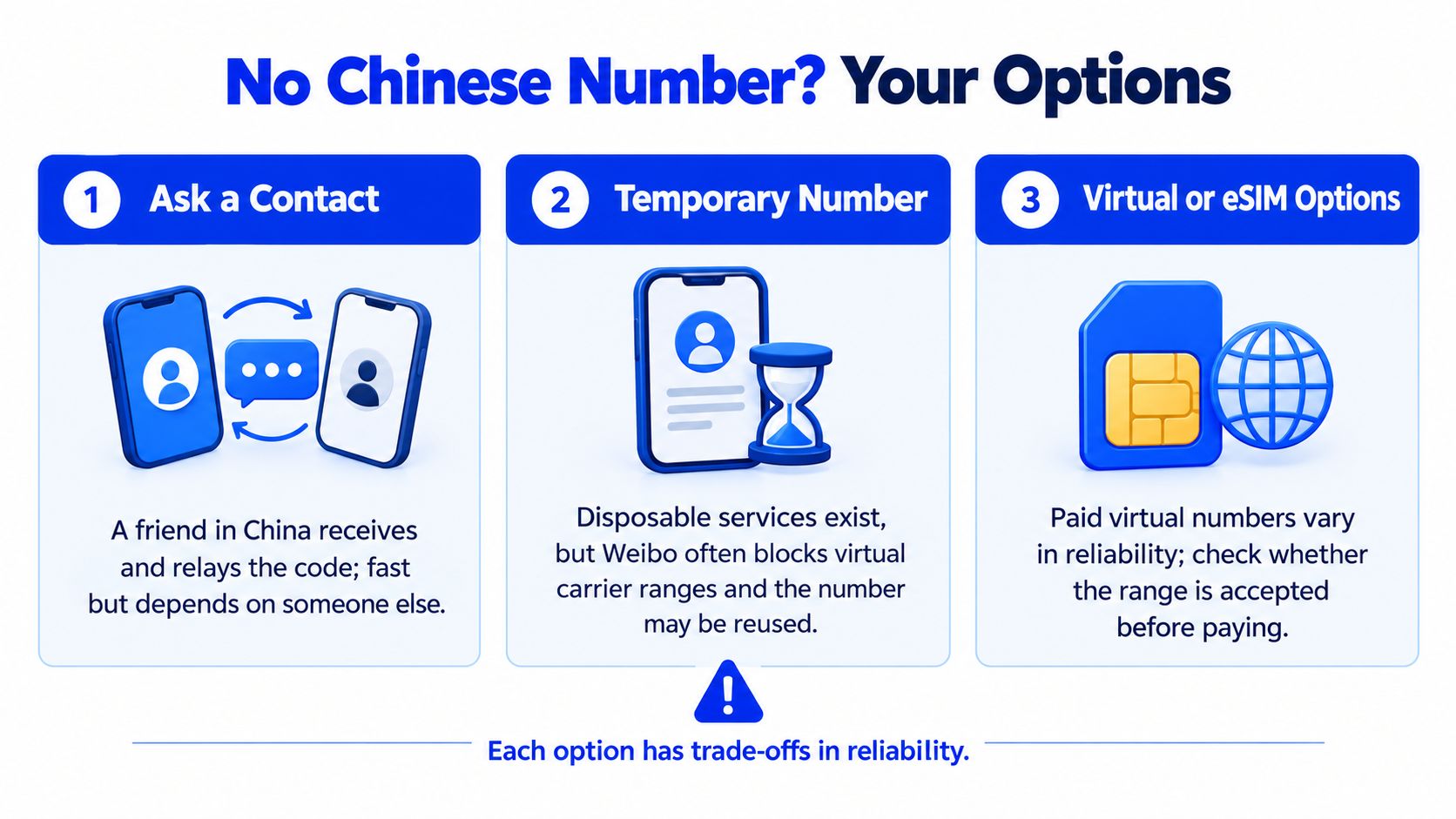
The practical alternatives
A Chinese contact can receive and relay the code without the reader purchasing a number. The upfront monetary cost may be zero, but the account becomes dependent on another person's availability and may be unsuitable for repeated security checks.
A disposable number can be inexpensive or free to try, but it carries the weakest recovery position. Weibo and other platforms may reject virtual or heavily reused carrier ranges, and a number that works once may not be available when the account requests another check. Readers considering this route should understand the broader limitations of a temporary phone number for verification.
An international roaming SIM provides a real mobile subscription and can solve the initial signup when Weibo accepts its country range. Its cost depends on the carrier, and roaming solves neither every future identity prompt nor a change in the platform's accepted-number rules. The subscriber must keep the line active and reachable.
A paid verification number from a provider such as LineVerifier can be considered when the reader needs an SMS-capable number for a supported service and country. The available offer, number type, price, access duration, and refund eligibility depend on the selected offer and current terms. It doesn't guarantee Weibo acceptance, bypass an identity review, defeat a CAPTCHA or restriction, provide voice verification, or create a permanent personal phone line.
Decision rule: Use a contact for a one-off, authorized setup. Use a controlled roaming or long-term number when future recovery matters. Treat disposable access as unsuitable for an account that must remain recoverable.
No option removes Weibo's own eligibility checks. A successful SMS proves only that a code reached the number. It doesn't prove long-term ownership, satisfy identity documentation, or guarantee continued account access.
Privacy, Recovery, and Keeping Your New Account Healthy
The first successful login is only the beginning. A new Weibo account should bind a recovery email, retain access to the original verification number, and avoid adding third-party tools that request account credentials. A different new number doesn't recover an existing account tied to its previous number, so replacing the original number after a lockout may leave the user with no useful recovery path.
Weibo's help pages distinguish login protection from new-account registration. When double-login verification is active, a non-trusted device may require SMS or QR verification. If the original phone can't receive codes, Weibo says the user may try QR login from another device that is already logged in, as explained in its login-protection help. Another security FAQ notes that even without login protection, password login can trigger verification through SMS, private message, QR code, or another available method, depending on context and account settings, according to Weibo's security guidance.
A durable account routine
- Review visibility: Tighten profile and post visibility before publishing sensitive information.
- Preserve recovery access: Keep the bound email and original number reachable.
- Audit connected apps: Remove authorizations that aren't necessary.
- Protect credentials: Don't enter Weibo passwords into unofficial “booster” or growth applications.
- Expect checks: Weibo may request additional identity or security information, and the user should keep only legitimate, relevant documentation ready.
Privacy decisions should account for the fact that Weibo's registration and access systems can connect phone, email, device, and identity signals. Readers who want a broader example of how a digital service describes its privacy approach can browse our privacy practices, while still reviewing Weibo's own current terms for the account being created.
A short maintenance routine helps prevent a one-time signup from becoming a permanent lockout. Rotate the password periodically, review connected applications, keep the signup phone reachable, and store recovery details somewhere secure. If the account represents a business or public identity, document who controls the email, number, and recovery device before publishing from it.
LineVerifier lets users select a supported service and country, review the current offer and price, and receive an SMS verification code through its dashboard. Availability and number capabilities vary by offer, so readers should check the live terms and maintain recovery methods they control by visiting LineVerifier.